Best Monitors for Gaming and Editing
A good monitor can completely change your computer experience. Whether you are gaming, editing videos, working from home, coding, or simply watching content, the right monitor makes everything feel smoother, sharper, and more comfortable.
The problem is that there are now hundreds of monitors available online, and most of them advertise similar features like high refresh rates, 4K resolution, HDR, or color accuracy. For beginners, choosing the right one can become confusing very quickly.
Some monitors are designed mainly for competitive gaming, while others focus more on professional color accuracy for editing. Then there are productivity-focused ultrawide monitors built for multitasking and work-from-home setups.
The good news is that in 2026, there are excellent monitors available for every type of user and budget. Whether you want fast gaming performance, accurate colors for editing, or a clean dual-purpose setup for both work and entertainment, there are some fantastic options available right now.
Here are some of the best monitors for gaming, editing, and work-from-home setups in 2026.
1. LG UltraGear 27GR95QE Gaming Monitor

LG’s UltraGear series has become extremely popular among gamers, and the 27GR95QE is one of the best premium gaming monitors available today.
The OLED display delivers incredibly deep blacks, vibrant colors, and ultra-smooth gaming performance. Fast-paced games feel responsive and fluid thanks to the high refresh rate and low response time.
Apart from gaming, the display quality is also excellent for content watching and casual editing work.
Why People Like It
- Stunning OLED display quality
- Extremely smooth gaming performance
- Excellent color reproduction
- Premium modern design

2. Dell UltraSharp U2723QE
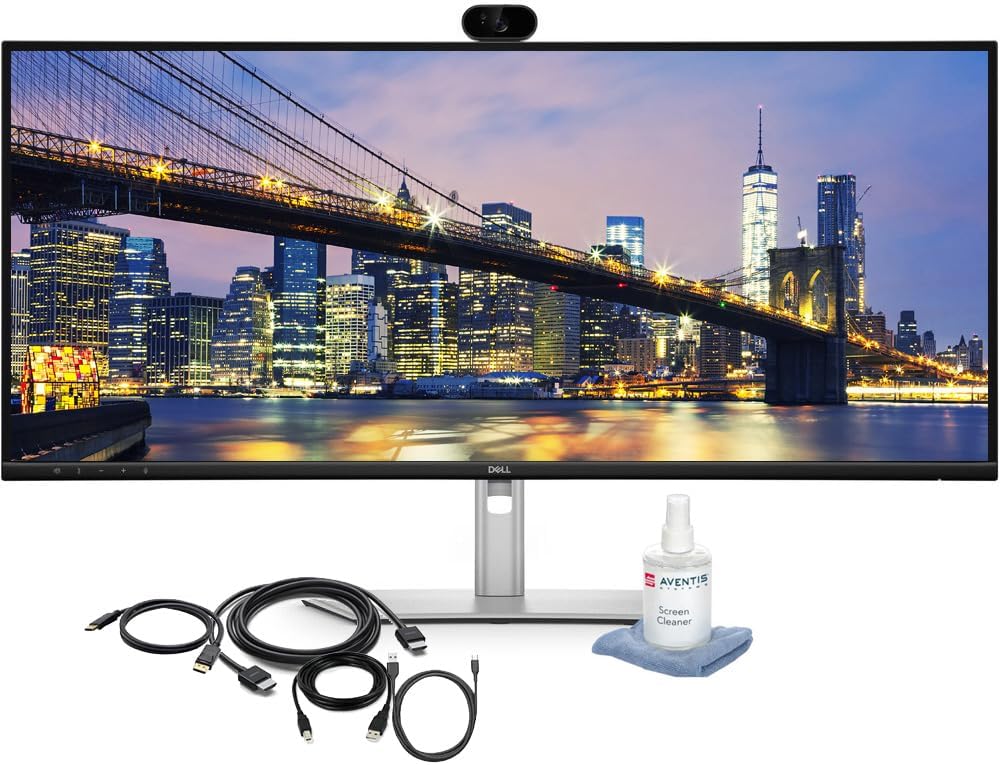
The Dell UltraSharp series is widely trusted by professionals, creators, and remote workers because of its clean design and excellent display quality.
The U2723QE is especially good for editing, office work, programming, and multitasking. Colors look accurate, text appears sharp, and the monitor feels comfortable even during long work sessions.
The USB-C connectivity also makes laptop setups cleaner and more convenient.
Why People Like It
- Excellent color accuracy
- Sharp 4K resolution
- Professional clean design
- Great for productivity and editing
3. Samsung Odyssey G7
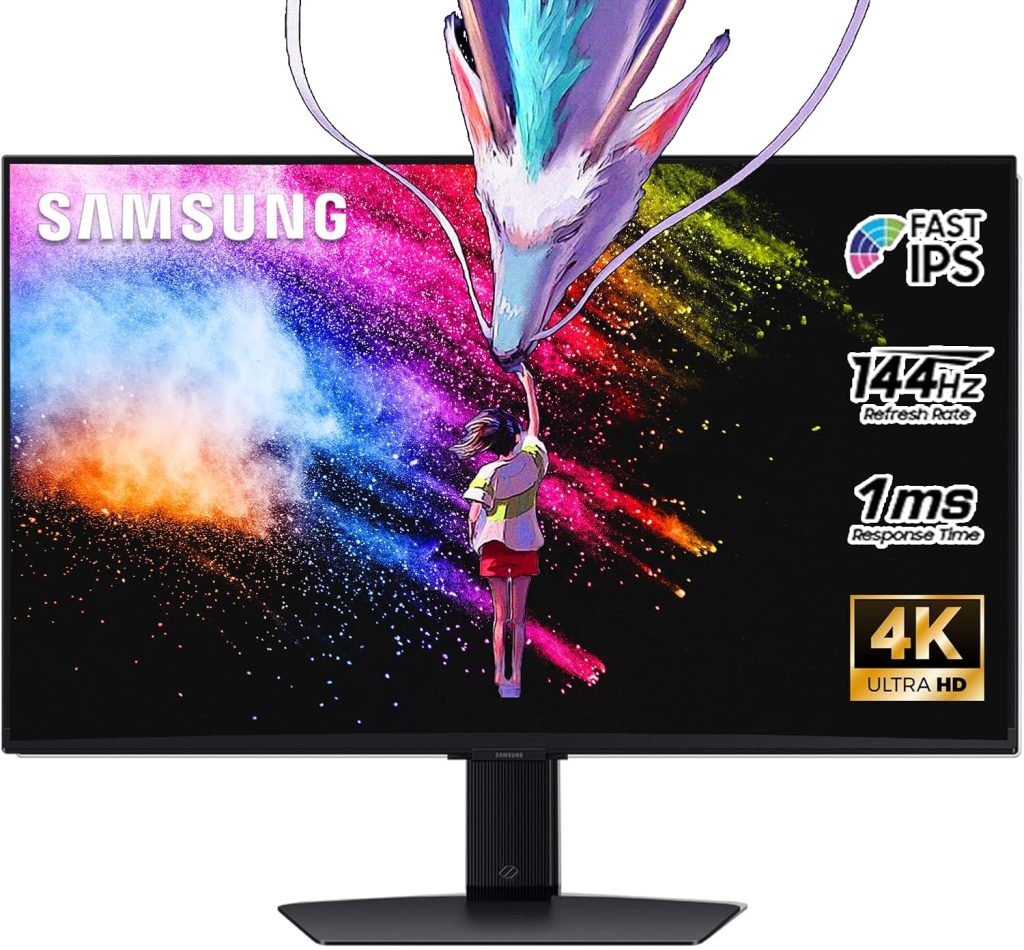
Samsung’s Odyssey gaming monitors are known for delivering immersive gaming experiences, and the G7 remains one of the best curved gaming monitors available.
The high refresh rate makes gameplay feel incredibly smooth, especially in FPS and competitive games. The curved design also increases immersion during long gaming sessions.
The monitor performs surprisingly well for both gaming and entertainment.
Why People Like It
- Smooth high refresh rate
- Immersive curved display
- Excellent gaming performance
- Vibrant colors and contrast
4. ASUS ProArt Display PA279CRV
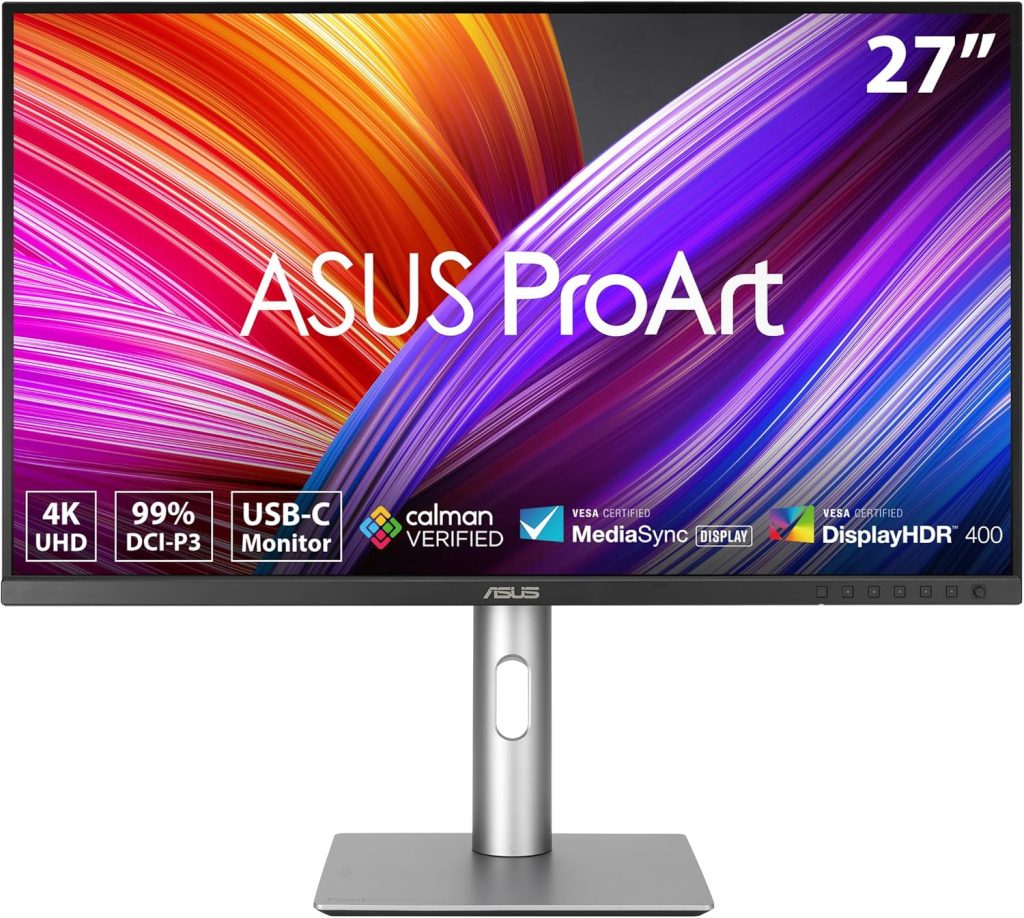
For photographers, video editors, and designers, color accuracy matters more than extremely high refresh rates. That’s where ASUS ProArt monitors stand out.
The PA279CRV offers excellent color reproduction, sharp image quality, and professional-level editing performance. It’s especially useful for creators working with photo editing, graphic design, and video production.
The minimalist design also fits nicely into modern workspaces.
Why People Like It
- Professional color accuracy
- Sharp 4K display
- Great for editing and design work
- Clean minimal design
5. Gigabyte M32U Gaming Monitor
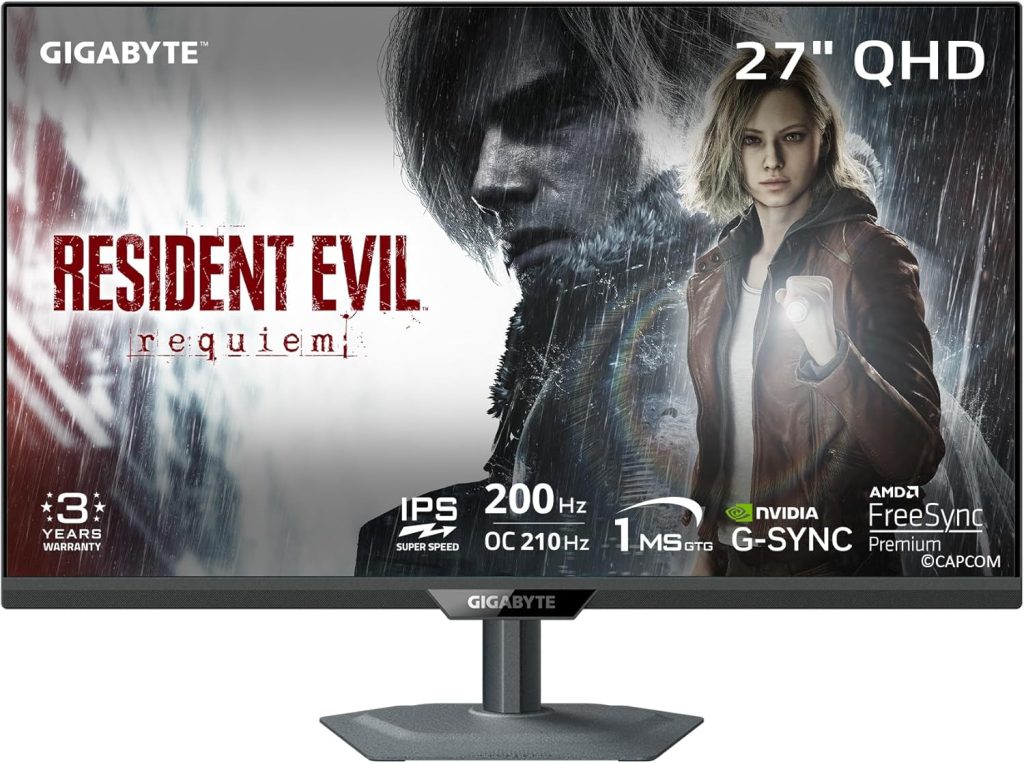
The Gigabyte M32U is one of the best all-round monitors because it balances gaming, work, and entertainment extremely well.
The 4K display looks sharp, gaming performance feels smooth, and the larger screen size makes multitasking more comfortable.
For users wanting one monitor for everything — gaming, editing, streaming, office work, and media consumption — this is a strong option.
Why People Like It
- Great balance of gaming and productivity
- Sharp 4K resolution
- Large immersive display
- Strong overall performance
Which Monitor Should You Buy?
If gaming is your main priority, the LG UltraGear OLED and Samsung Odyssey G7 are excellent choices.
For professional editing and work setups, the Dell UltraSharp U2723QE and ASUS ProArt monitors offer outstanding color accuracy and productivity features.
If you want one monitor that handles everything well, the Gigabyte M32U provides one of the best overall experiences.
Things to Consider Before Buying a Monitor
Before purchasing a monitor, it’s important to focus on your actual usage instead of only marketing features.
1. Resolution
- 1080p → budget gaming and basic use
- 1440p → balanced gaming and productivity
- 4K → best for editing and sharp visuals
2. Refresh Rate
Higher refresh rates like 144Hz or 240Hz make gaming feel smoother.
3. Panel Type
- IPS → better colors and viewing angles
- OLED → deep blacks and premium visuals
- VA → stronger contrast levels
4. Screen Size
Larger screens improve multitasking and immersion but require more desk space.
5. Connectivity
USB-C, HDMI 2.1, and DisplayPort support improve compatibility with modern devices.
Amazon Affiliate Disclosure
Pickbaskte.com earns from qualifying purchases as an Amazon Associate through affiliate links, at no extra cost to you.